
Watch an IPTV playlist on an LG TV
Sofascreen runs straight on LG TVs from 2023 and newer (webOS 23 onwards). No box, one remote. On an older LG, plug in a Fire TV Stick and follow the Fire TV guide.
1. Install the app
Until it’s in the LG Content Store, the TV installs it in developer mode, from a computer on the same Wi-Fi. It takes about fifteen minutes the first time. Every command is on the install page, and if you’d rather not, write to us and we’ll help.
Developer mode has a timer (about 40 days). Open LG’s Developer Mode app once in a while and press Extend.
2. Find it
The TV’s search won’t find it, since it isn’t from the store. Press Home and scroll your apps to the end. Hold OK on it to move it to the front.
3. Add your playlist from your phone
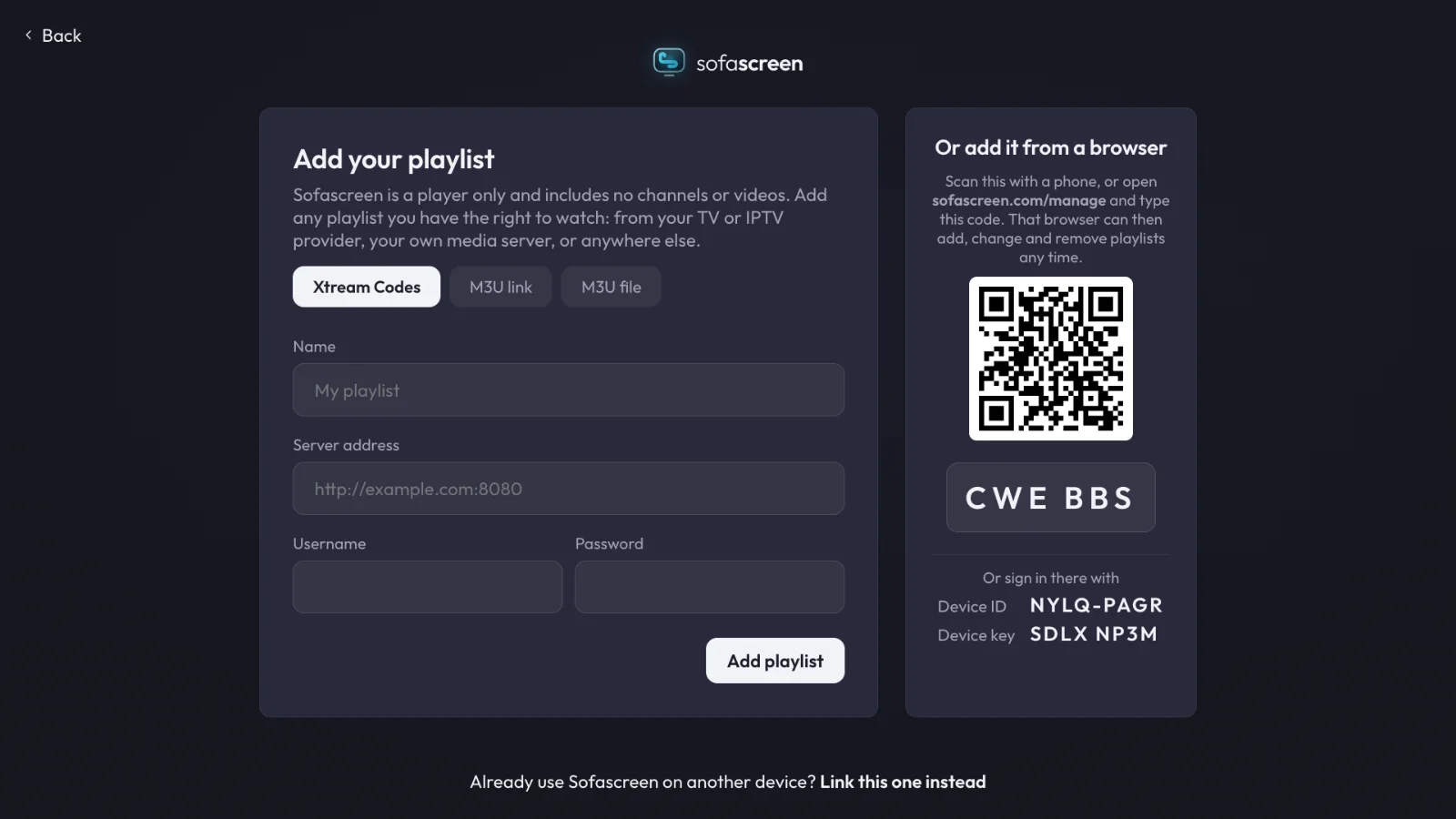
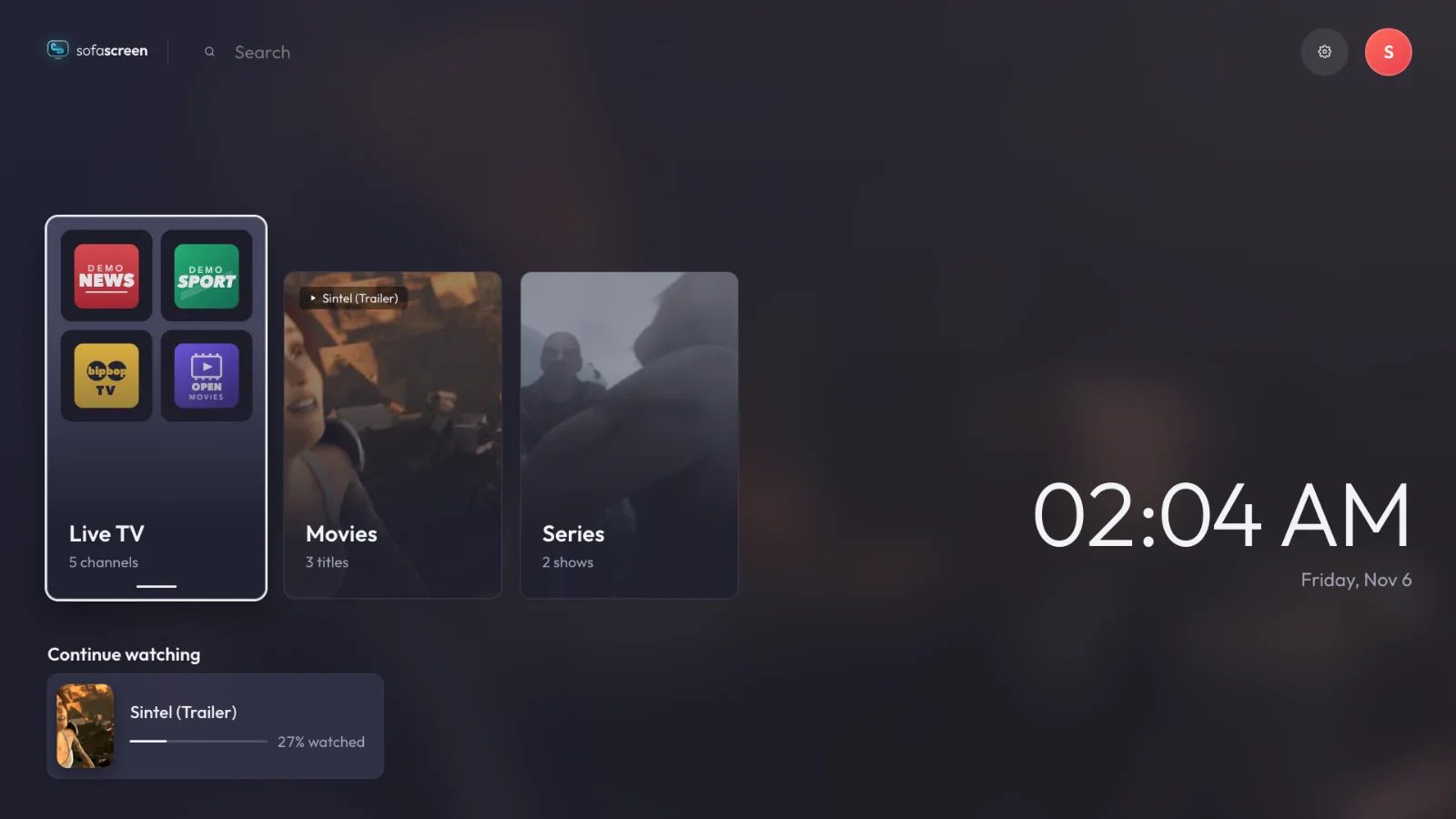
Sofascreen is a player: it comes with no channels or playlists. Use it with content you have the right to watch.