
Watch an IPTV playlist on Fire TV
Your provider gave you a playlist. The Fire TV needs an app to play it. Here’s the quickest way, about five minutes.
1. Install the app
Install Downloader from the Amazon Appstore. Then go to Settings → My Fire TV → About and click the device name 7 times: that unlocks Developer options, where you allow Downloader to install apps.
Open Downloader, type sofascreen.com/tv, and install.
2. Add your playlist, from your phone
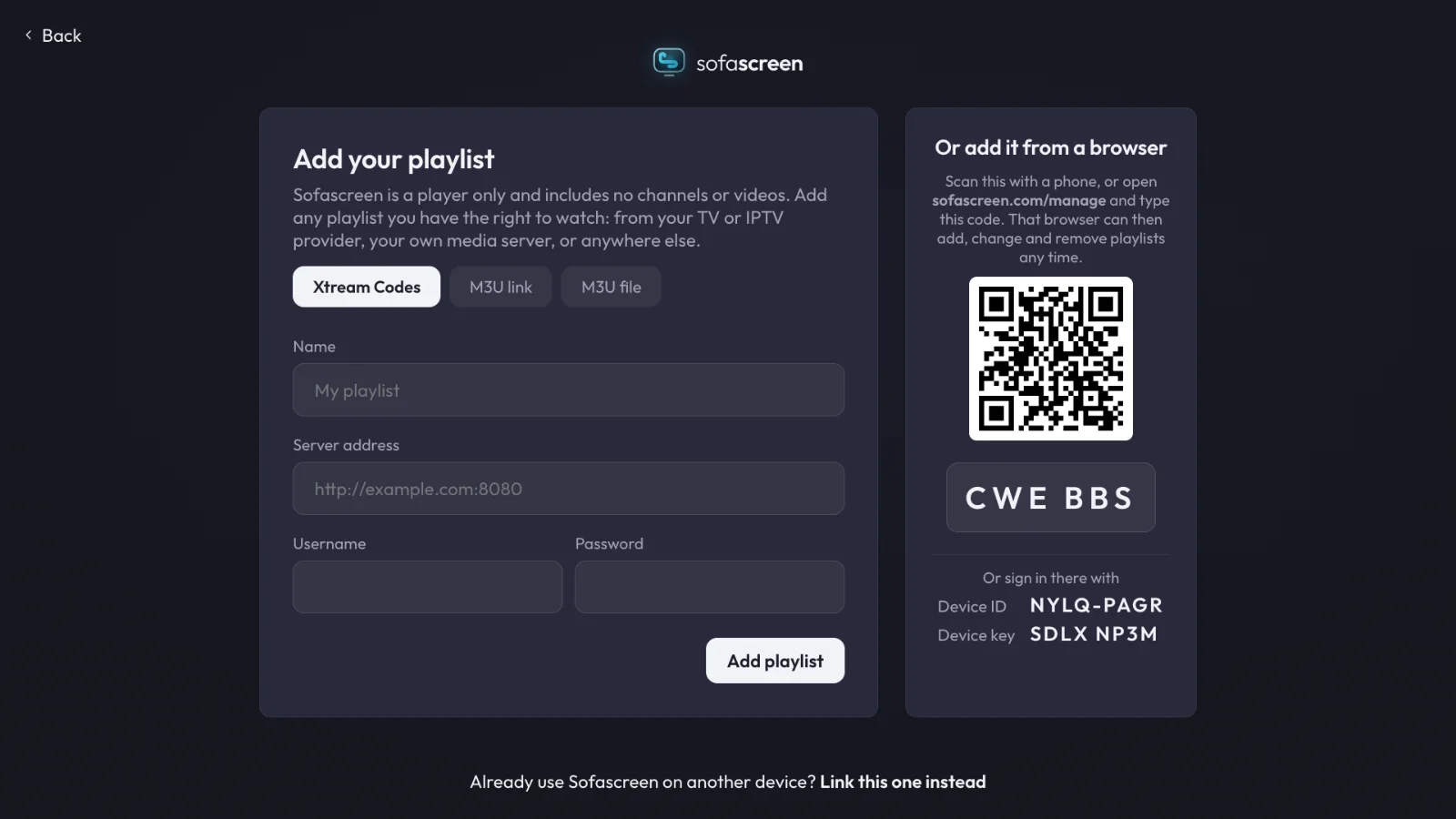
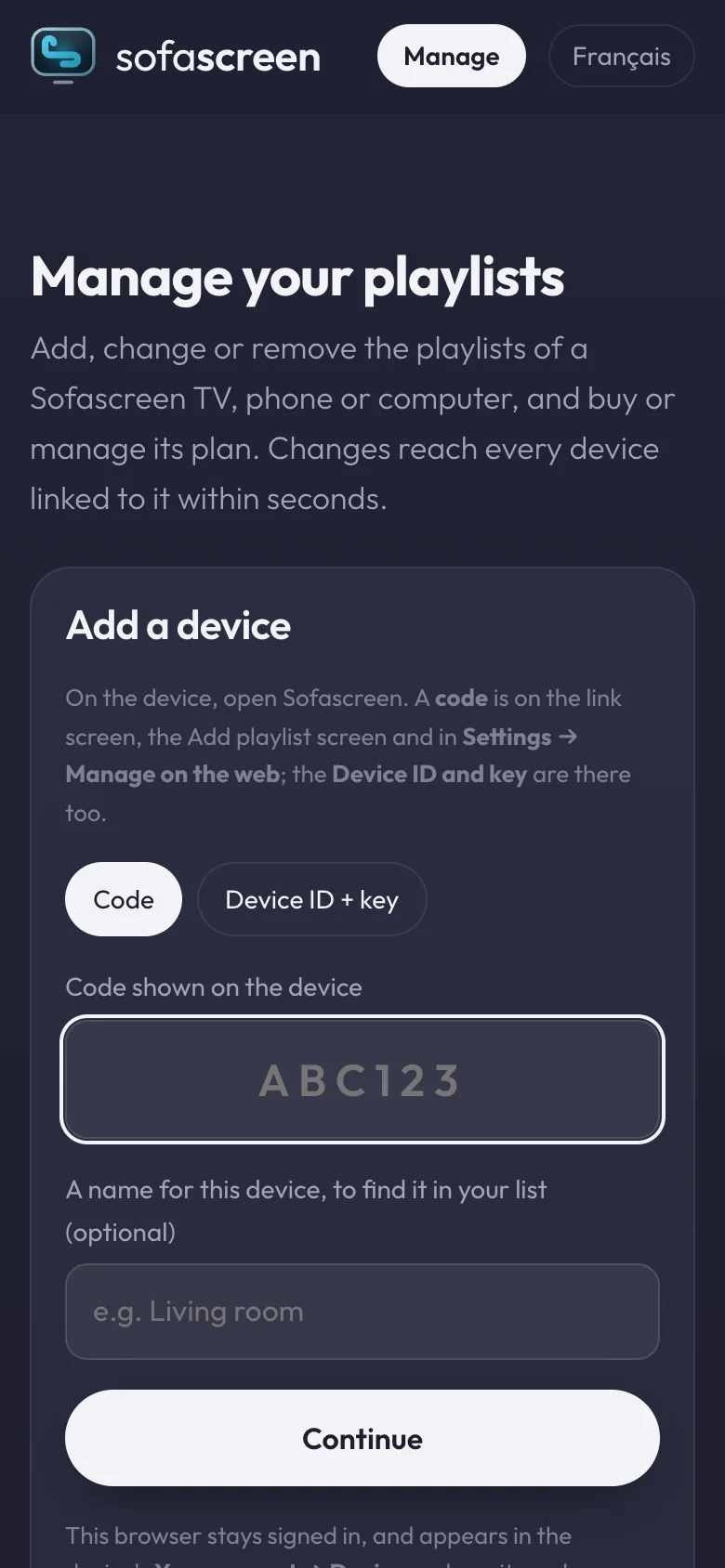
Don’t type a long link with the remote. The TV shows a code and a QR code: scan it with your phone and add the playlist there.
3. Watch
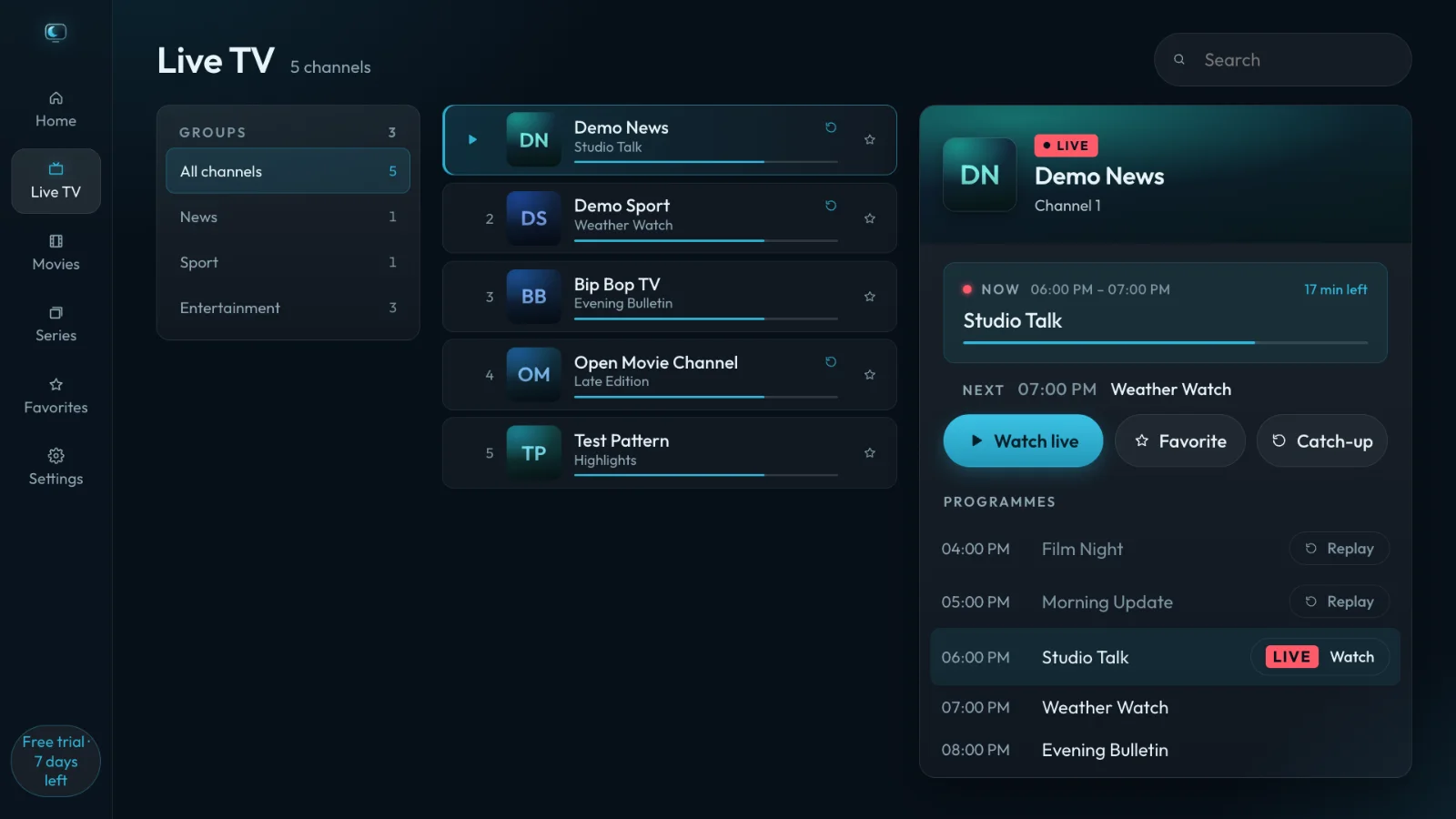
Live channels come first, with the guide. Films and series follow a few seconds later.
Not working?
“Your provider is not answering” means the provider’s server is down or moved. Providers often give two or three addresses: try another one from their message.
Sofascreen is a player: it comes with no channels or playlists. Use it with content you have the right to watch.